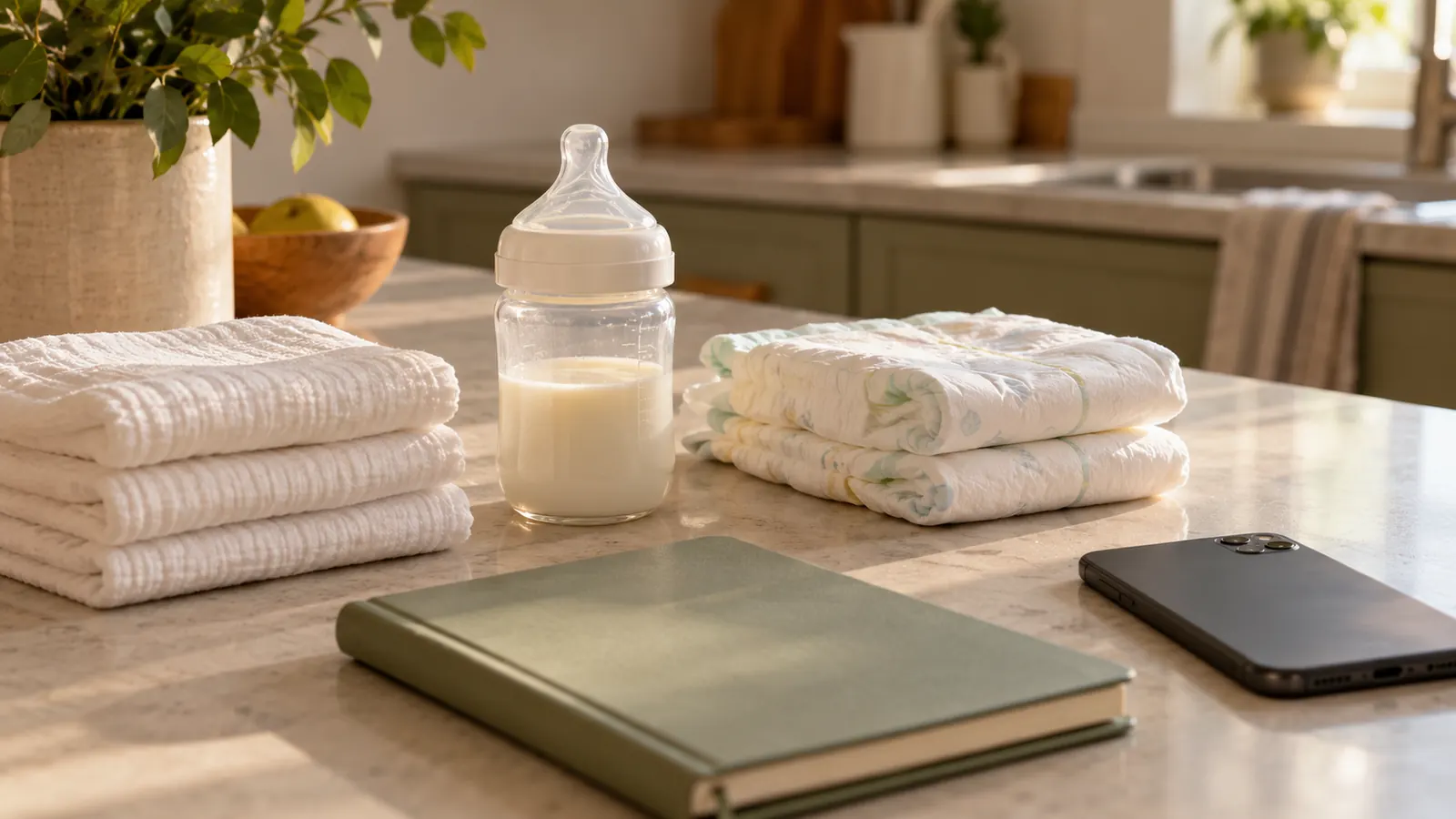

Sleep and routines5 min read
Feeds, sleep, diapers and your own custom events live together on one dashboard, shared with everyone who helps. Easy and comfortable.
Free, and works in your browser on any phone, tablet or computer.




Feeds, sleep, diapers and your own activities sit together on one screen. See how the day is going at a glance, and log the next thing in a tap.
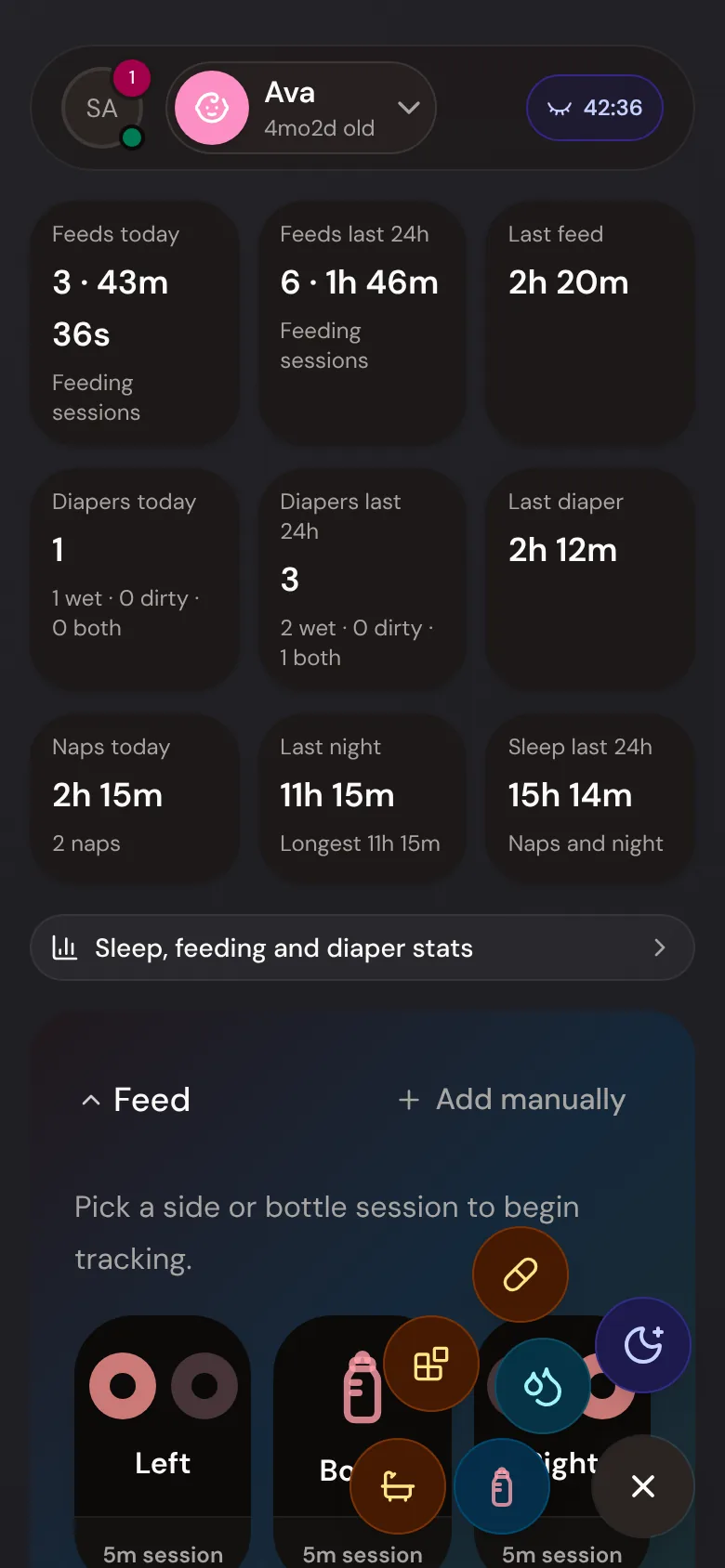
Today's feeds, diapers and sleep, and how long since the last feed and change, right at the top.
Tap the plus to log a feed, a nap, a diaper or one of your own activities in a second.
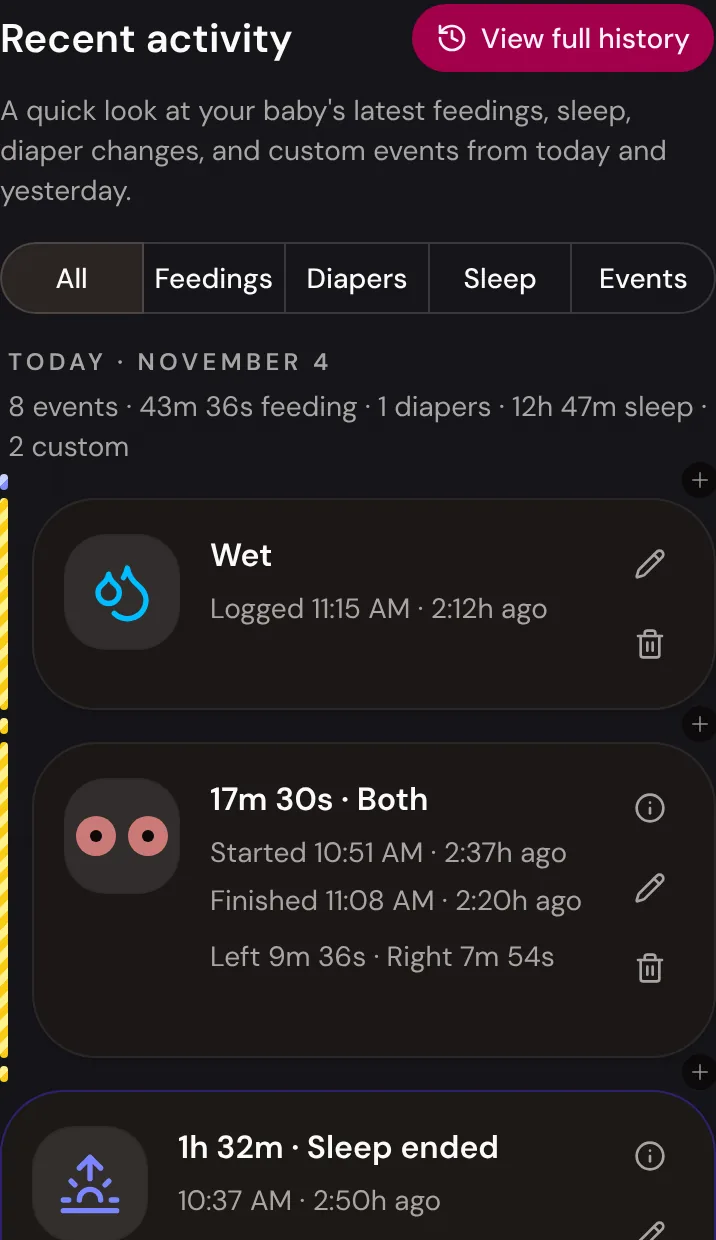
Today and yesterday in order, easy to filter and edit, with the full history one tap away.
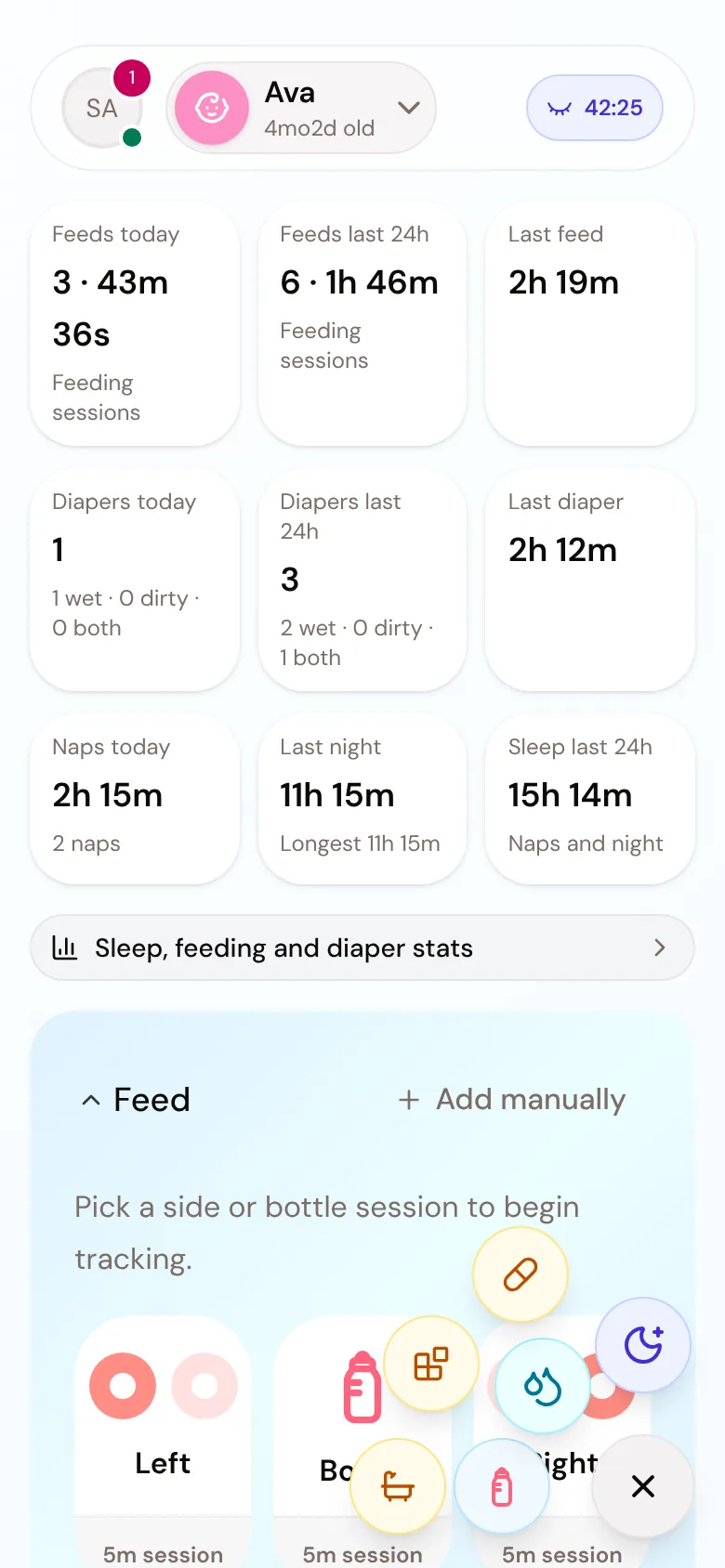
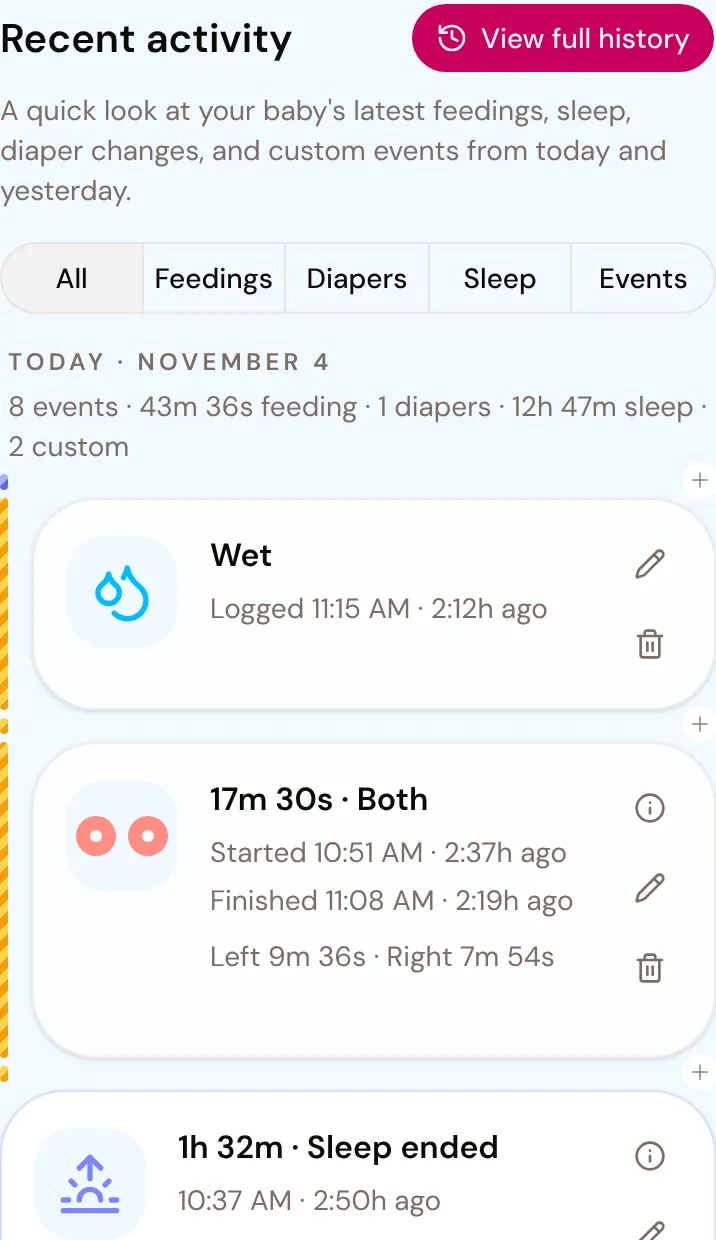
Log the everyday things in a tap, and add your own activities so the app fits your routine.

One shared timer for naps and nights, with wake windows.
Breast by side or bottle by amount, timed with one tap.
Wet, dirty or both.
Give anything a name and an icon, and it sits right next to the rest.
Your own, for example
The last feed, the latest change and the nap in progress. Pick up where the last caregiver left off.
Invite your partner, family or sitter as an editor or viewer.
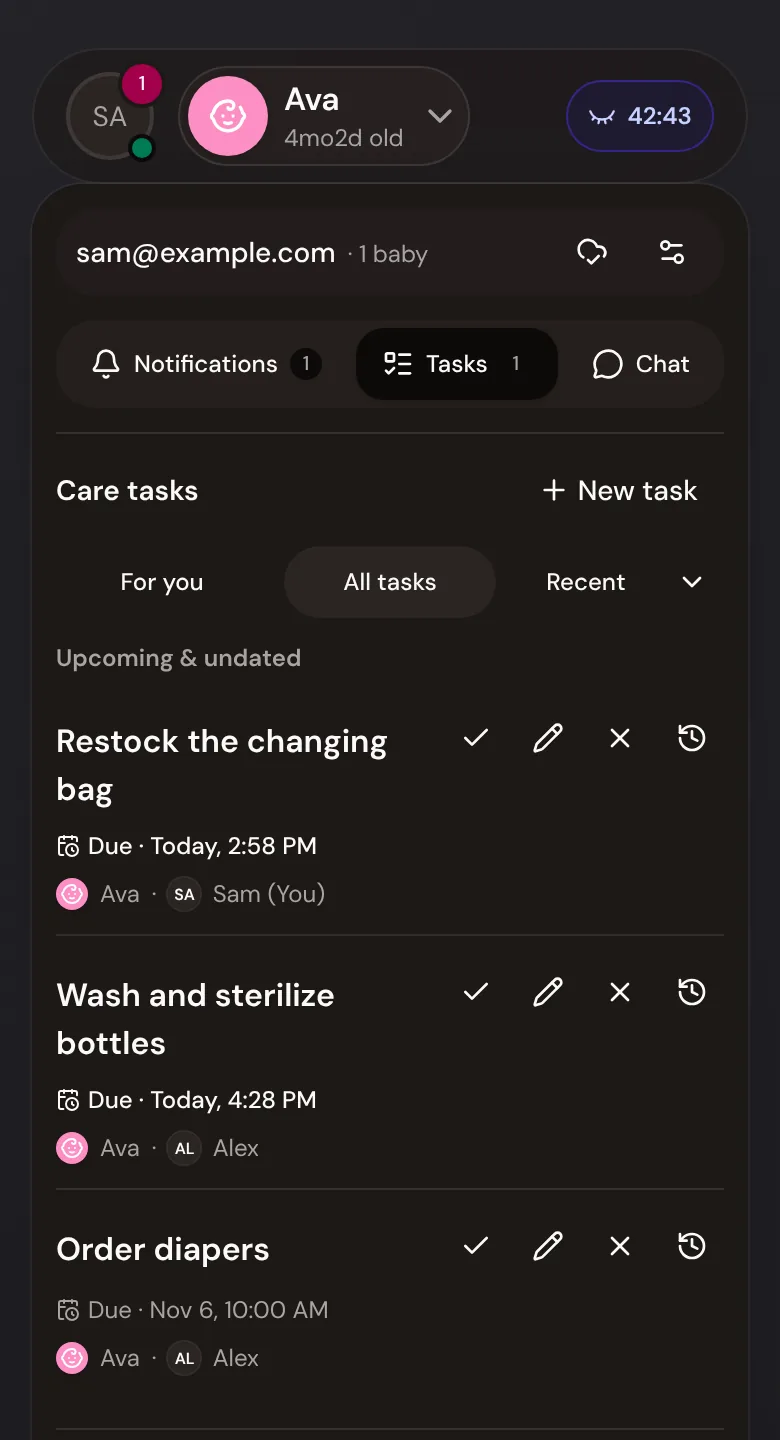
Assign care tasks, set a repeat and tick off each one together. Optional reminders appear in the app.
Connect Google Calendar to log care through your voice assistant.
Works offline and on slow connections, after your first visit.
Make care a team effort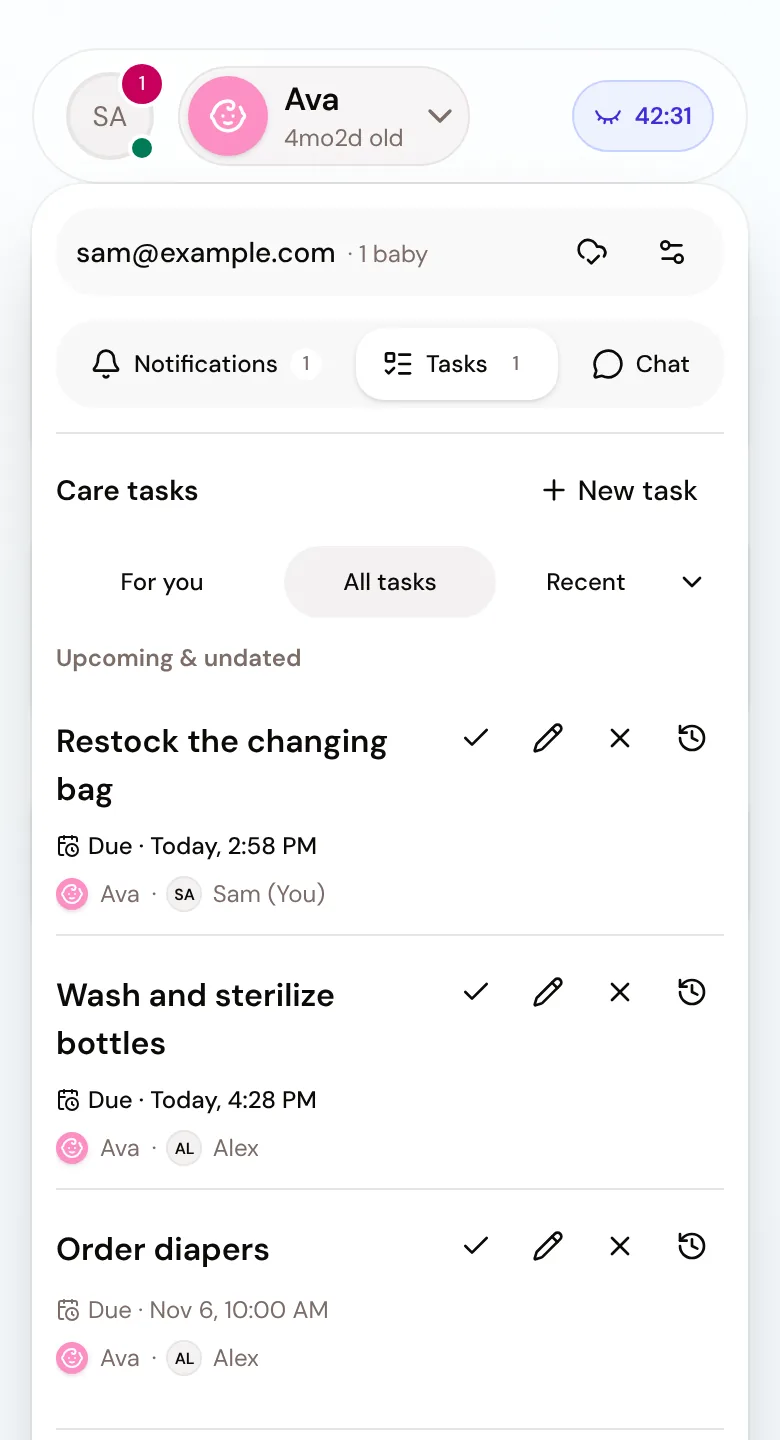
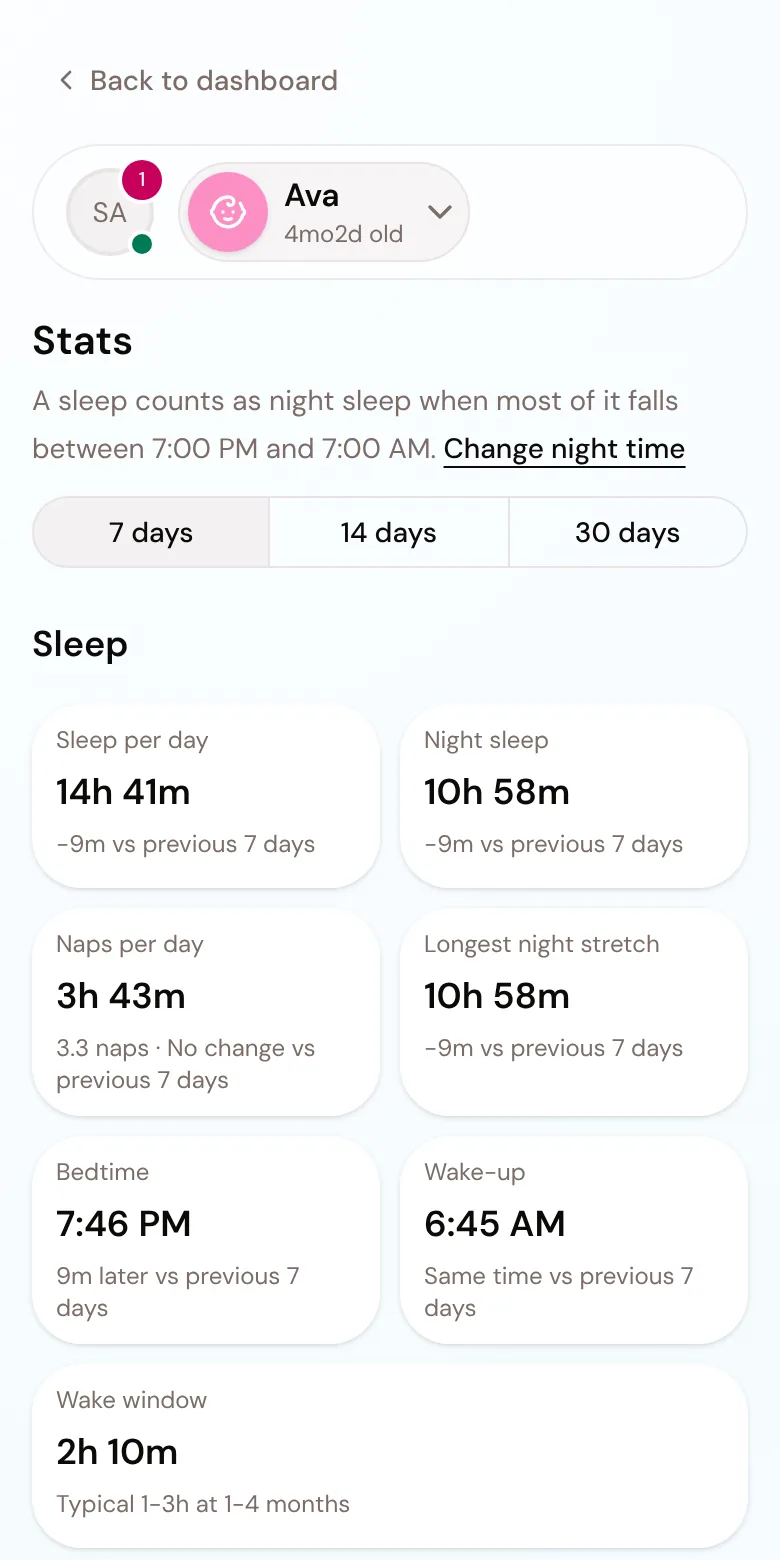
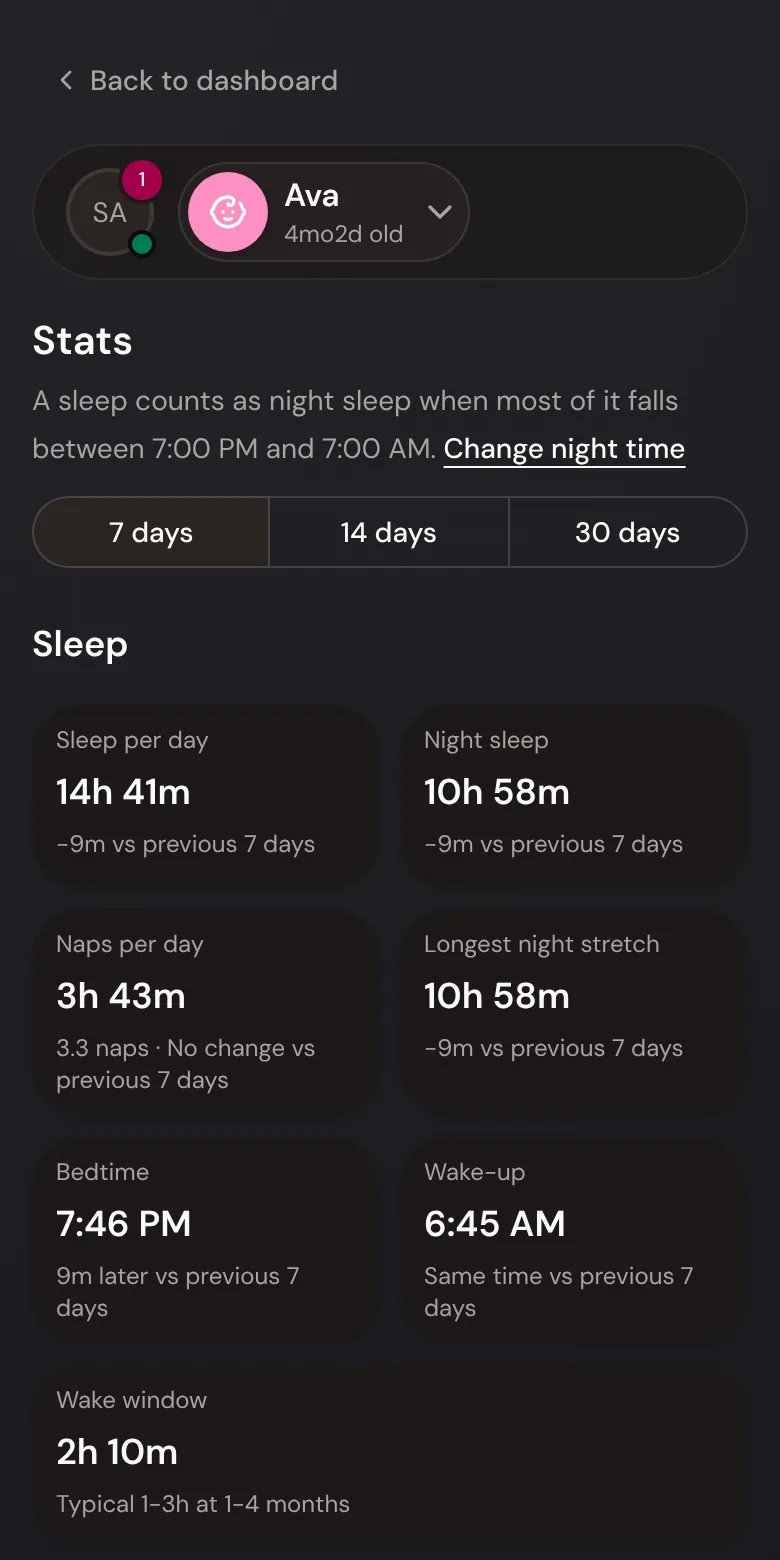
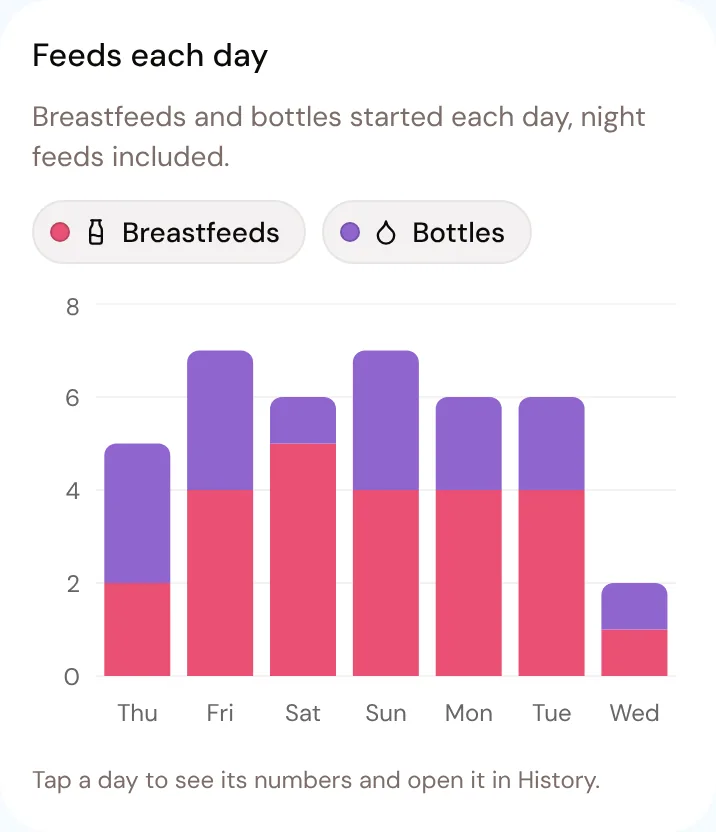
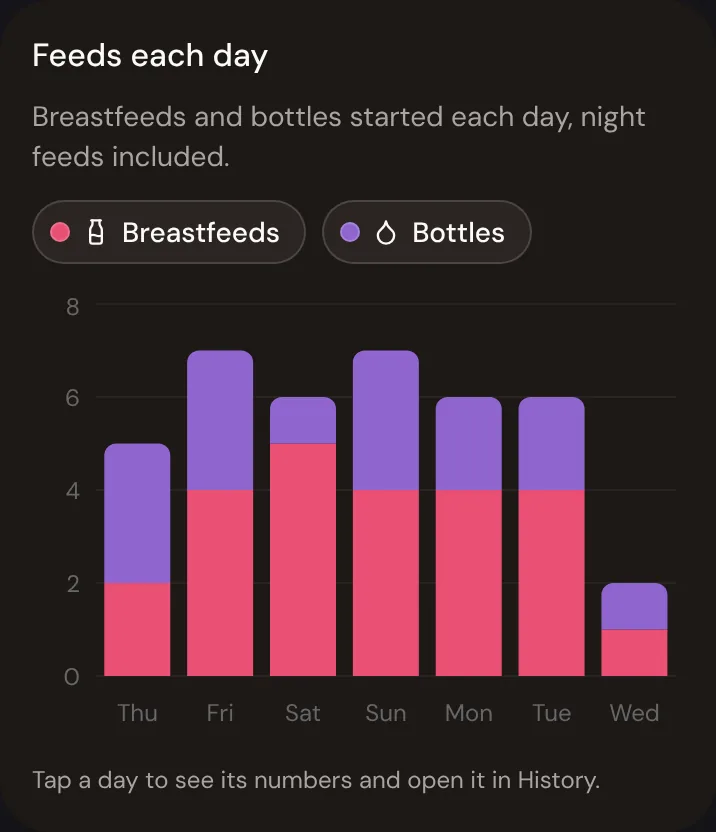
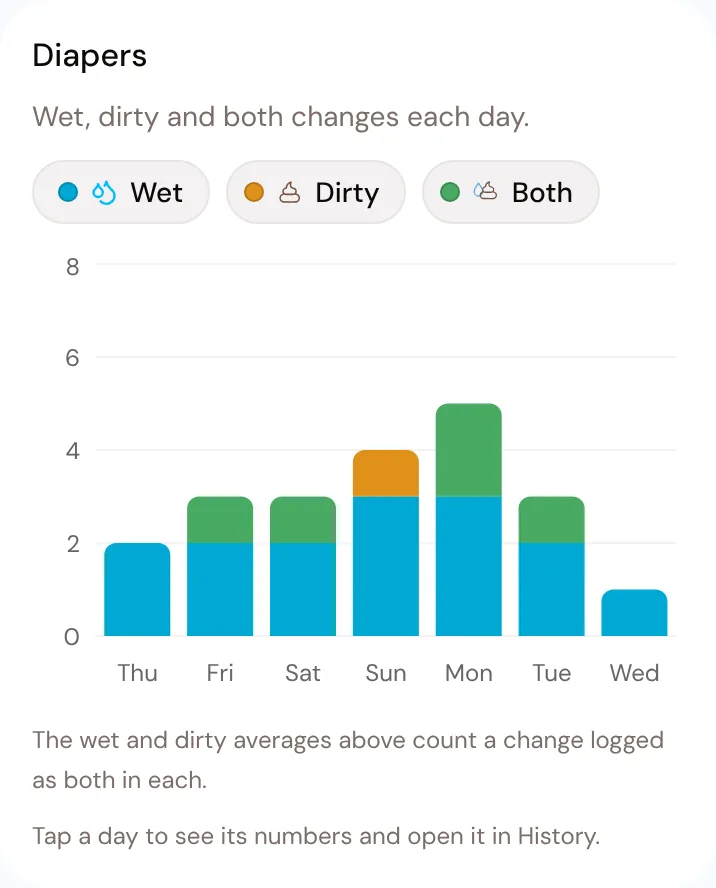
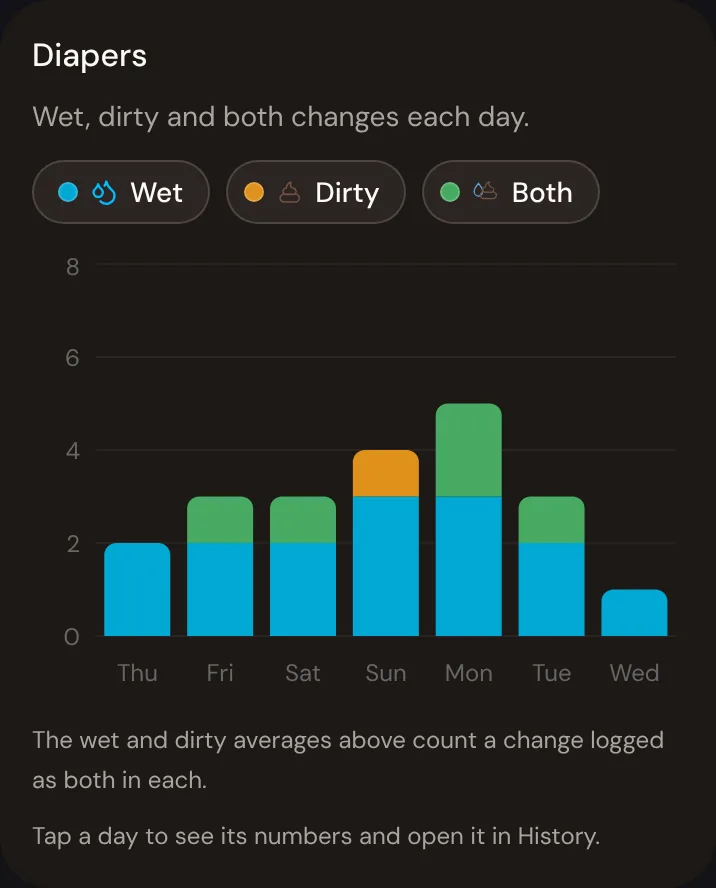
Stats show sleep, feeding and diaper trends over 7, 14 or 30 days, built from the taps you already make.
Charts reflect what you log, so missing entries can change the picture.
Gentle, practical reading from our blog.
Yes. Tracking, stats, sharing with caregivers and tasks are all free.
Yes. Invite them to your child's profile as an editor or viewer. Everyone sees the same timeline, and timers are shared.
No. Keep what helps as your child grows, like sleep, meals, routines and tasks, and track less when you need less.
Yes, once you've opened BabyTrk online on that device. Taps are saved right away and sync when you reconnect. Setup, invites and Google Calendar need a connection.
Yes, through Google Calendar. Connect a calendar, then ask your voice assistant to add an event like “BabyTrk: diaper wet”.
No. BabyTrk works in your browser on any phone, tablet or computer, and you can add it to your home screen.
Add your baby, then invite whoever shares the care.
Start tracking